
A processing policy combines a normalization policy, an enrichment policy, and a routing policy into a single policy. Its primary purpose is to help in the overall process of data normalization and enrichment.
Go to Configure >> Entities >> Processing Policies.
Select the LogPoint instances where you want to configure the processing policy.
Click Next.
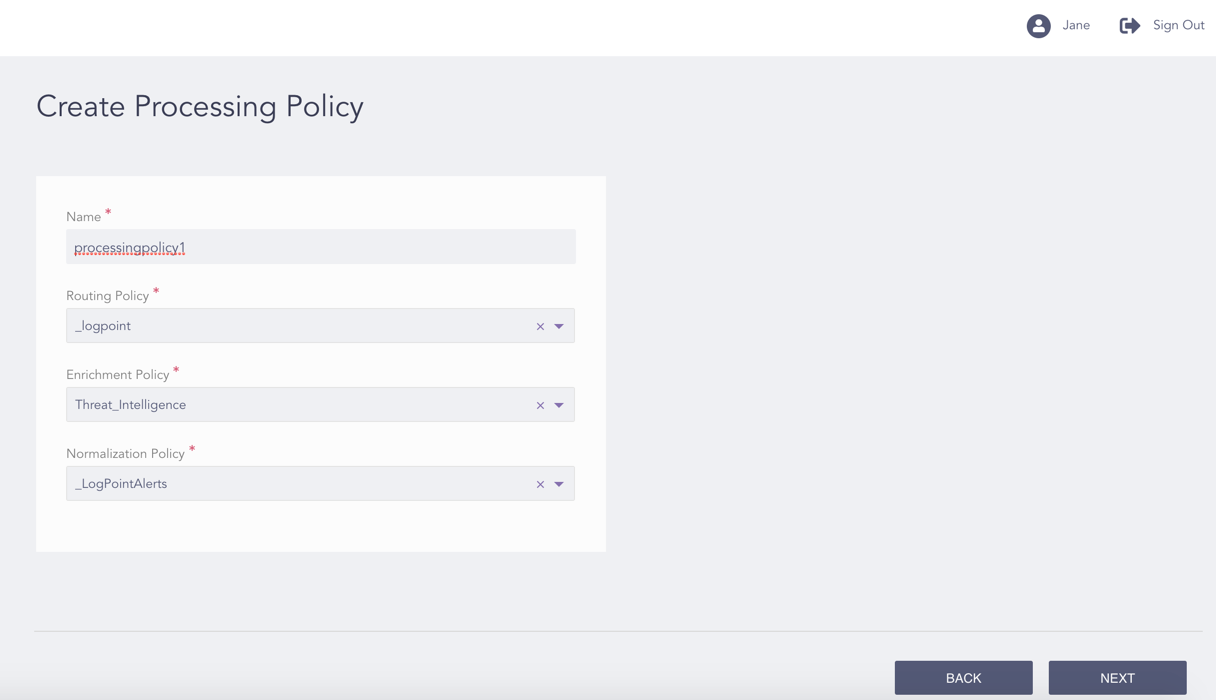
Configuring the Processing Policy
Enter a Name.
Select a Routing Policy, an Enrichment Policy, and a Normalization Policy.
Click Next.
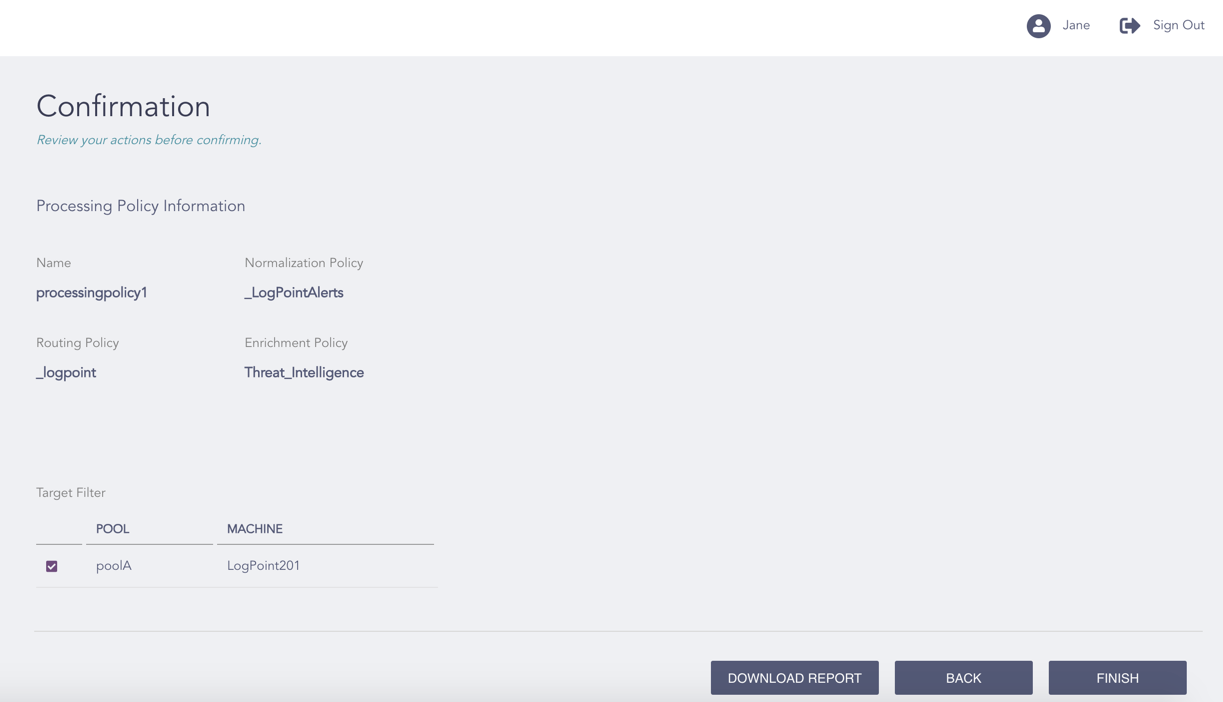
Confirming the Changes
Review your changes. You can go Back to make any changes if necessary.
Note
Click Download Report to save the summary of the task in PDF.
Click Finish.
Click OK.